Ship Code. Track Time. Get Paid.
Lightweight time tracking that stays out of your way. Track hours by project, manage client work, and generate billing reports — no bloated PM tools needed.
No credit card required • 30-day free trial
Why Freelancers Love This
Built specifically to solve the headaches of running a freelance business.
Zero-Friction Tracking
Start a timer in one click — runs in the background while you code. No complicated setup or context switching required.
Project & Sprint Organization
Organize time by project, sprint, or feature — use hashtags for granular tagging that matches how you already work.
Automatic Earnings Calculation
Know exactly what you're earning per project in real time. No spreadsheets, no manual math.
Precision Engineered
For Growth
Every pixel is designed to help you save time and make more money.
Developer-Friendly Time Tracking
Lightweight tracking that doesn't interrupt your flow. One-click start, background running, and automatic session logging.
Project Organization
Organize work like you organize code. Projects, clients, hashtags, and searchable history.
Billing & Reports
Get paid accurately for every hour. Automatic calculations, client reports, and multiple export formats.
In depth
How developers use TimerMVP without breaking their focus
Development work happens in long blocks of focus that get broken by reviews, calls, and quick fixes for another client. The cost of that switching is real but hard to see. Freelance and contract developers use TimerMVP to track honest hours with as little friction as possible, then look at the patterns to protect their best working time.
How do freelance developers track time without losing focus?
Start a timer when you sit down on a client's codebase. Stop it when you stand up. That is the whole habit. TimerMVP is a web app, so it lives in a browser tab and does not need an editor plugin or a background agent.
Pause and resume are there for real interruptions. If you step away for lunch, pause, and break tracking keeps the break separate from the work. When you come back, resume the same session rather than starting a new one, so a four-hour block reads as one block with a break.
Add a short note at the end, like implemented webhook retries and fixed flaky test, and a hashtag such as #feature or #bugfix. That is enough for a clear invoice later.
How much does context switching cost a developer?
You can see it in your own data. When a day is full of 20-minute sessions across three clients, compare the notes to a day with two long sessions. Most developers find the long-session days produced more. The tracking does not judge it. It just makes it visible.
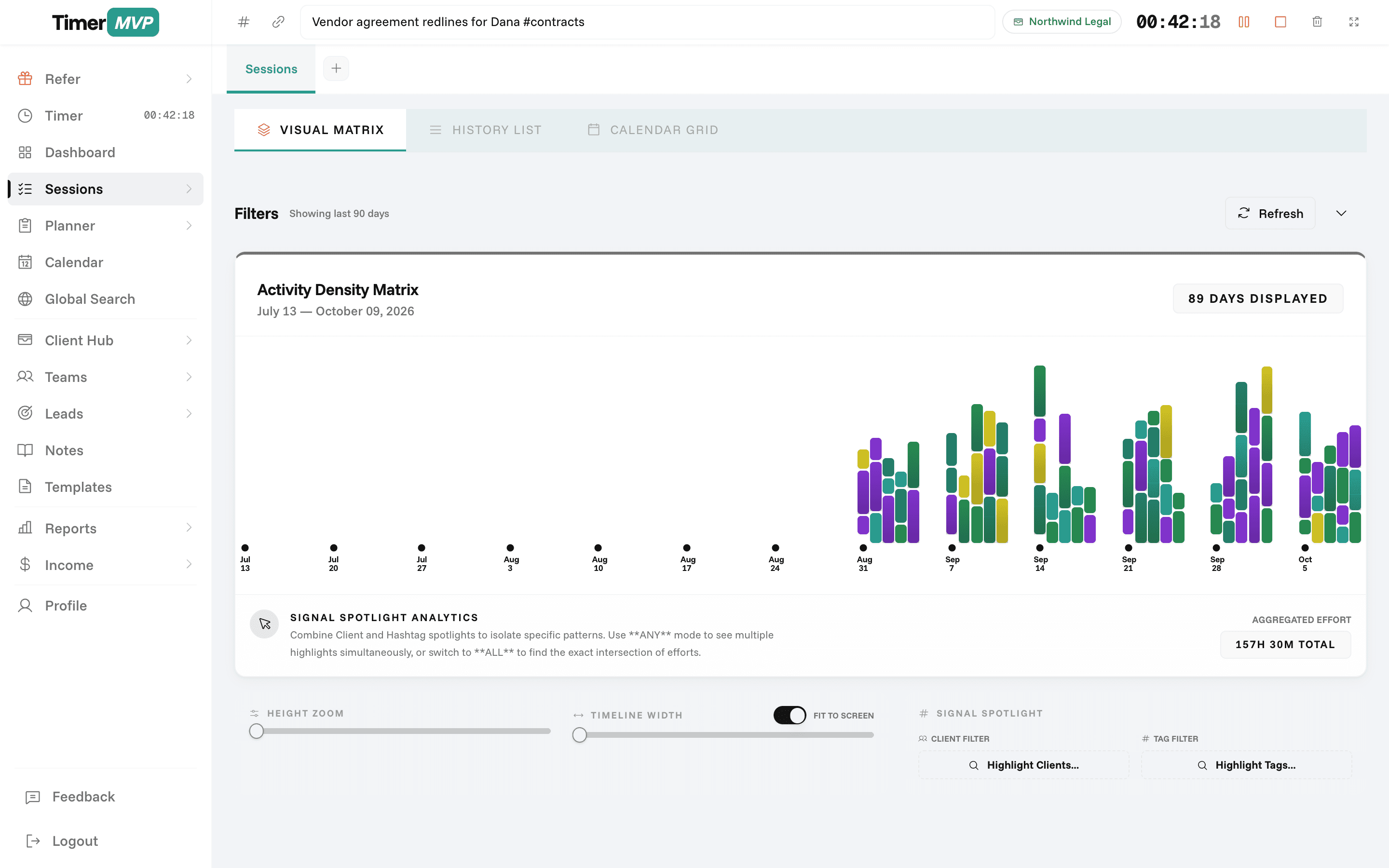
The dashboard's punch card shows when you do your work by weekday and hour. If your deepest sessions consistently happen on Tuesday and Wednesday mornings, schedule calls elsewhere and keep those blocks for the hard problems.
Two timers can run at once, which helps with honest edge cases, like a long build or deploy for one client while you answer a quick question for another. Most of the time, one timer is the better habit.
How do I plan a sprint-style week as a solo developer?
The weekly planner works like a small sprint board for one person. List the week's work by client on Monday. Anything unfinished carries forward to next week with an age pill that turns amber at seven days and red at fourteen, so a ticket that keeps slipping is easy to spot.
Blocked work is common in development: waiting on API keys, a design, or a review. Type a greater-than sign before the name, like >Sam, and the item is marked as waiting on Sam. It is excluded from your weekly score. On Friday, the week review works as your retro, and search finds any item across all past weeks.
- Plan Monday, review Friday
- Unfinished items carry forward with age
- Mark blocked items with >Name
- Search past weeks for any ticket
How should developers bill for maintenance retainers?
Maintenance retainers are common for developers: a monthly fee to keep a site or app patched and running. Set the retainer on the client with its monthly amount and dates, and track every maintenance session against it.
The dashboard then shows the effective hourly rate for that client. If a $1,500 monthly retainer took 6 hours this month, that is $250 an hour. If it took 25 because of a messy upgrade, it is $60. Watching that over a few months tells you whether to adjust the retainer or the scope.
Frequently Asked Questions
Stop Context-Switching to Track Time
Lightweight, fast, no-bloat time tracking. Built for developers who'd rather be coding.
No credit card required • Cancel anytime • 30-day free trial