Work Solo or With a Team. TimerMVP Scales With You.
Team Kanban boards, shared time sessions, team analytics, and announcements — everything a small team needs.
No credit card required • 30-day free trial
Why Freelancers Love This
Built specifically to solve the headaches of running a freelance business.
Team Kanban Board
See all team members' tasks on one visual board. Manage workload, identify blockers, and keep everyone aligned.
Shared Sessions & Analytics
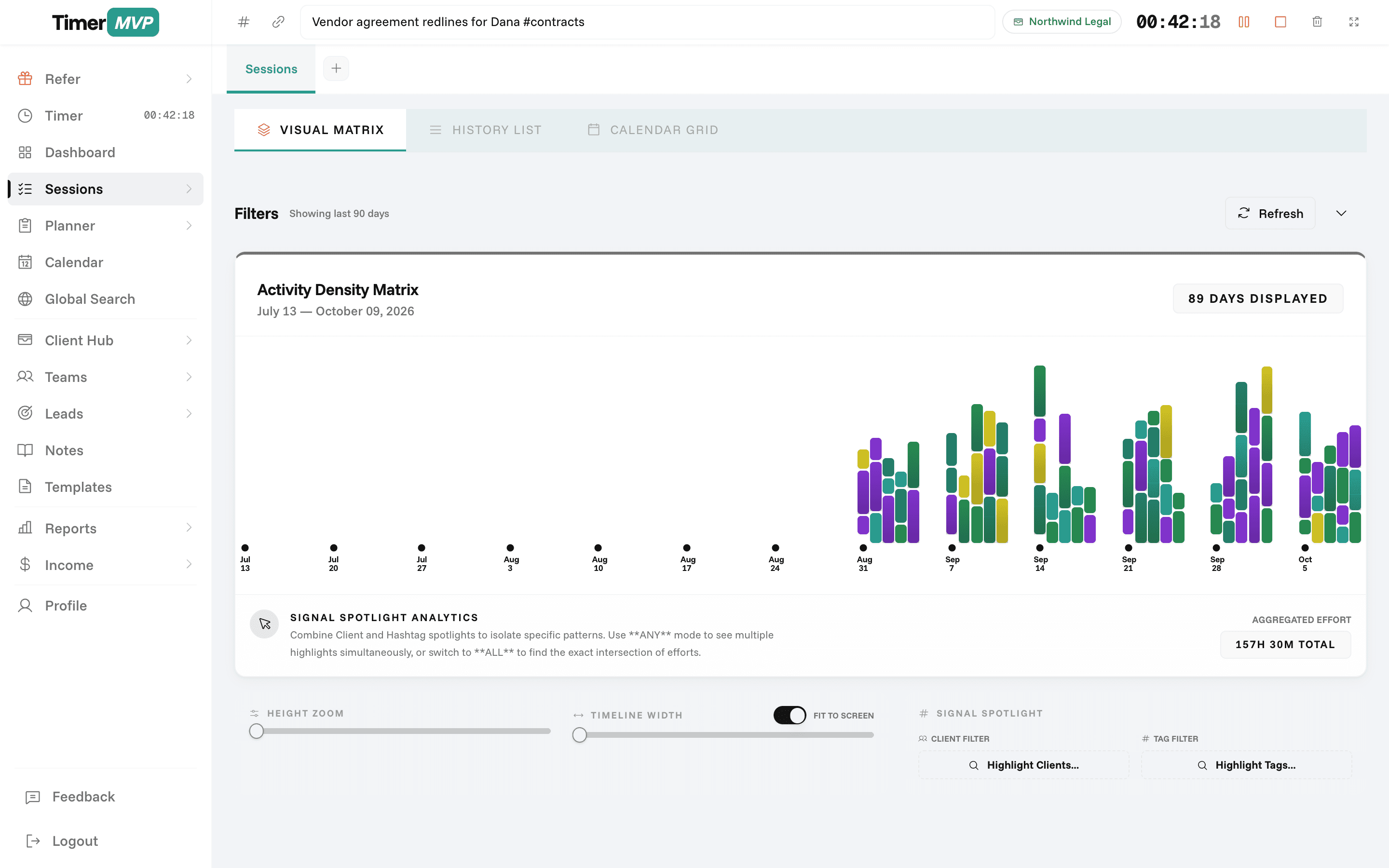
View all team members' logged time. See who's working on what, track team hours, and understand team capacity.
Team Announcements
Post updates to the entire team. Share news, deadlines, or important client info with everyone at once.
Precision Engineered
For Growth
Every pixel is designed to help you save time and make more money.
Team Workspace
Unified workspace for your entire team. Create team members, manage their access levels, and organize shared clients.
Session Sharing
Team members log time on shared clients. View all team sessions in real time. Understand who's working on what.
Team Reporting
See team hours, productivity, and earnings. Generate reports by team member, client, or project.
In depth
Tracking time across a small team or agency
When it is just you, the record of your time is your record. Once you add a partner, a contractor, or a small team, you also need to see the shape of everyone's work: who is on which client, how many hours a client is really using, and whether the load is shared fairly. TimerMVP team tracking extends the same deliberate tracking habit to a small group.
How should a small agency track time across the team?
Use one system and one set of clients. When each person tracks in their own tool or spreadsheet, the totals never quite add up and nobody trusts them. With a shared workspace, every session lands against the same client records, so a client's total hours include everyone's work.
Agree on a few conventions early. Which hashtags to use, how to write session notes, and what counts as billable. A two-person studio that settles this in week one avoids months of cleaning up inconsistent data later.
- Shared clients visible to the whole team
- Team members can also keep personal clients
- Team task board for workload and blockers
- Announcements for team-wide updates
How do I see how many hours a client uses across the whole team?
Run a report on the client and include every team member's sessions. This is where retainers get tested. Say a client pays a monthly retainer that you priced at 20 hours. You log 8, your partner logs 9, and a contractor logs 7. Nobody individually went over, but together you did.
Without a combined view, that overage is invisible until someone adds it up by hand. With one, you see it during the month and can decide whether to absorb it, adjust the retainer, or tighten scope before renewal.
How do I keep a small team aligned on tasks and deadlines?
Put the work where everyone can see it. The team board shows each person's tasks, so you can spot who is overloaded and what is blocked. A short weekly check of the board is often enough for a small team, without adding another standing meeting.
Use announcements for things everyone needs to know at once: a deadline moving, a new client starting, a change to how a client wants to be invoiced. It keeps important updates out of scattered chat threads where half the team will miss them.
Is team time tracking about monitoring people?
It should not be. TimerMVP does not take screenshots or watch app activity. Each person starts and stops their own timer, which means the record reflects what they chose to log. That keeps the focus on accountability and clear data rather than surveillance.
The best use of team data is to make better decisions about clients and pricing. If one client consistently takes twice the hours you quoted, that is a pricing problem, not a people problem. Shared, honest records make that conversation possible.
Frequently Asked Questions
Scale From Solo to Team With Ease
Add team members when you're ready. TimerMVP grows with your freelance business.
No credit card required • Cancel anytime • 30-day free trial