Design More. Admin Less.
Track creative project hours, manage revision rounds, and bill clients accurately — so you can focus on the work that matters.
No credit card required • 30-day free trial
Why Freelancers Love This
Built specifically to solve the headaches of running a freelance business.
Project-Based Tracking
Organize time by project and creative phase — concepting, design, revisions. Know exactly where your hours go.
Client Revision Management
Track how much time goes to revisions vs original work — know your real margins on every project.
Visual Weekly Planner
Plan your creative week with a drag-and-drop planner that syncs with your calendar. Balance your workload visually.
Precision Engineered
For Growth
Every pixel is designed to help you save time and make more money.
Creative Project Tracking
Track time by project phase. Tag sessions, add design decision notes, and generate per-project time reports.
Client Management
Keep all client info in one place. Rates, project history, retainers, and billing preferences per client.
Planning & Scheduling
Balance your creative workload with a weekly planner and calendar integration.
In depth
How designers use TimerMVP to price the next project better
Most designers quote fixed fees, and most fixed fees are guesses informed by the last project. The only way to make the next quote better is to know what the last one actually cost you. Designers use TimerMVP to track the real hours behind each project, revisions included, and turn that into an honest effective rate.
How do I know if a fixed-fee design project was worth it?
Track every session against the project, then divide the fee by the hours. Say you quoted a brand identity at $6,000 and expected 40 hours, which is $150 an hour. If it took 70 hours, your effective rate was about $86. Nothing about the invoice tells you that. Only the hours do.
In TimerMVP, a fixed-fee project lives as an ad hoc project with an amount and a due date. Your sessions are tracked against it like any other work. The dashboard shows a per-client effective hourly rate, so you can compare a fixed-fee client to an hourly one on the same scale.
After a few projects you stop guessing. You know that logo projects run long, that websites with a copywriter in the loop run short, and you can price accordingly.
How many revision rounds should a design contract include?
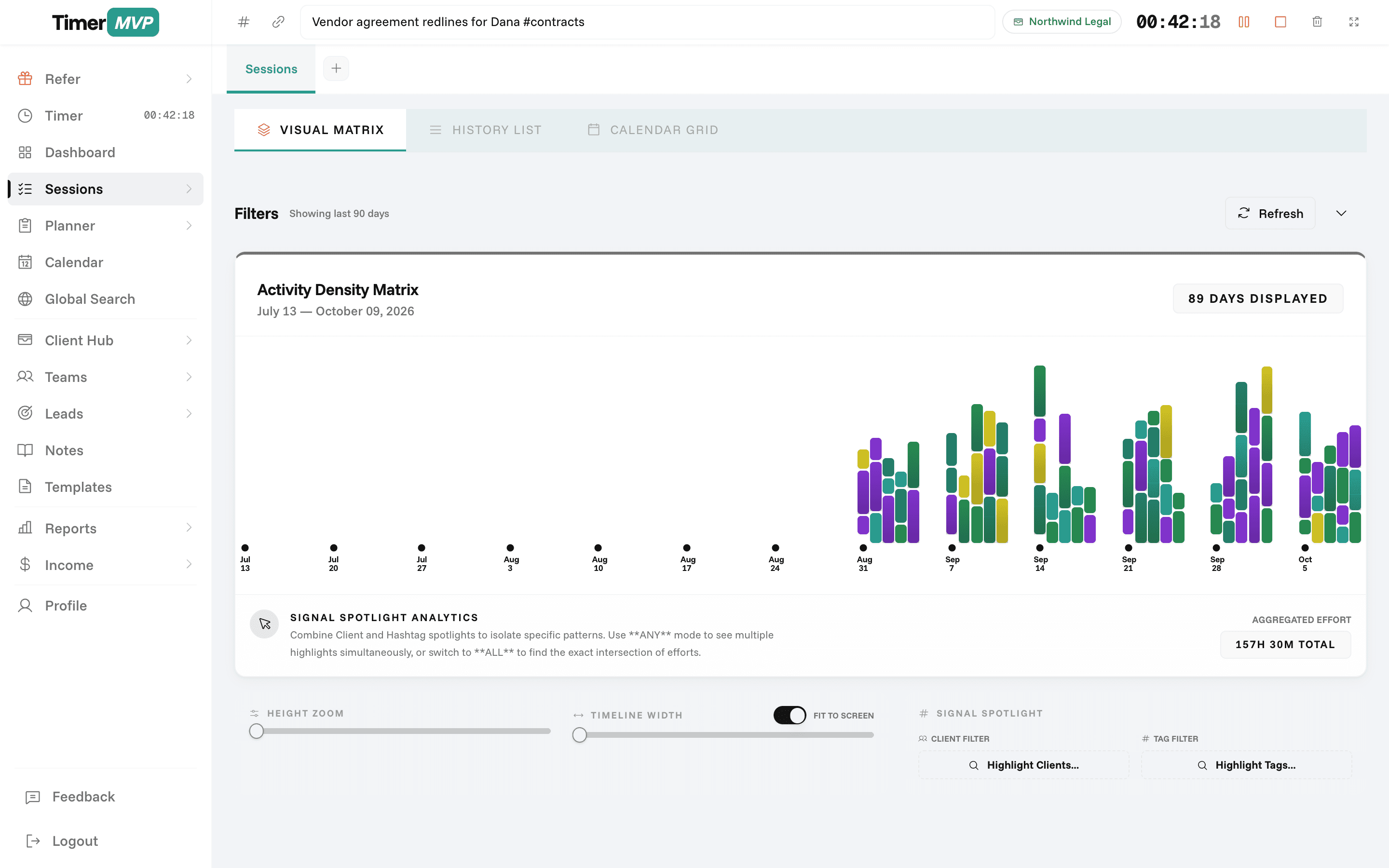
There is no single right number, but you should know what each round costs you. Tag revision sessions with hashtags like #rev1, #rev2, and #rev3. When the project closes, run a report filtered by client and tag and you will see the hours each round took.
Many designers find the first round is reasonable and the third round is where the time goes. That data makes the next contract easier to write. You can include two rounds and price additional rounds at a rate based on what they actually take you.
- Tag each round, such as #rev1 and #rev2
- Filter reports by tag at project close
- Compare original work hours to revision hours
- Use the result to set round limits in contracts
Should designers charge hourly or a flat fee?
Both work. The point is to measure either one the same way. Hourly clients pay for every session at their rate. Flat-fee clients pay a set amount regardless of hours. TimerMVP tracks both and puts them side by side as effective hourly rates, so the comparison is fair.
Some designers find their flat-fee work earns more per hour because they are fast. Others find the opposite. Either answer is useful. The income page splits income into retainer, ad hoc, and hourly, so you can also see which model is carrying your month.
How do designers keep client feedback from stalling projects?
Design projects often wait on the client: feedback on concepts, final copy, brand assets. In the weekly planner, type a greater-than sign before a name, like >Marcus, and that item is marked as waiting on him. Stuck items do not count against your weekly score.
Items that carry forward show their age, turning amber at seven days and red at fourteen. When a concept has been waiting on feedback for two weeks, the red pill is a clear prompt to follow up. The Friday week review then shows what shipped, what moved, and what is still waiting.
Frequently Asked Questions
Focus on Creating. We'll Handle the Rest.
Track time, manage clients, and bill accurately — built for designers who'd rather be designing.
No credit card required • Cancel anytime • 30-day free trial